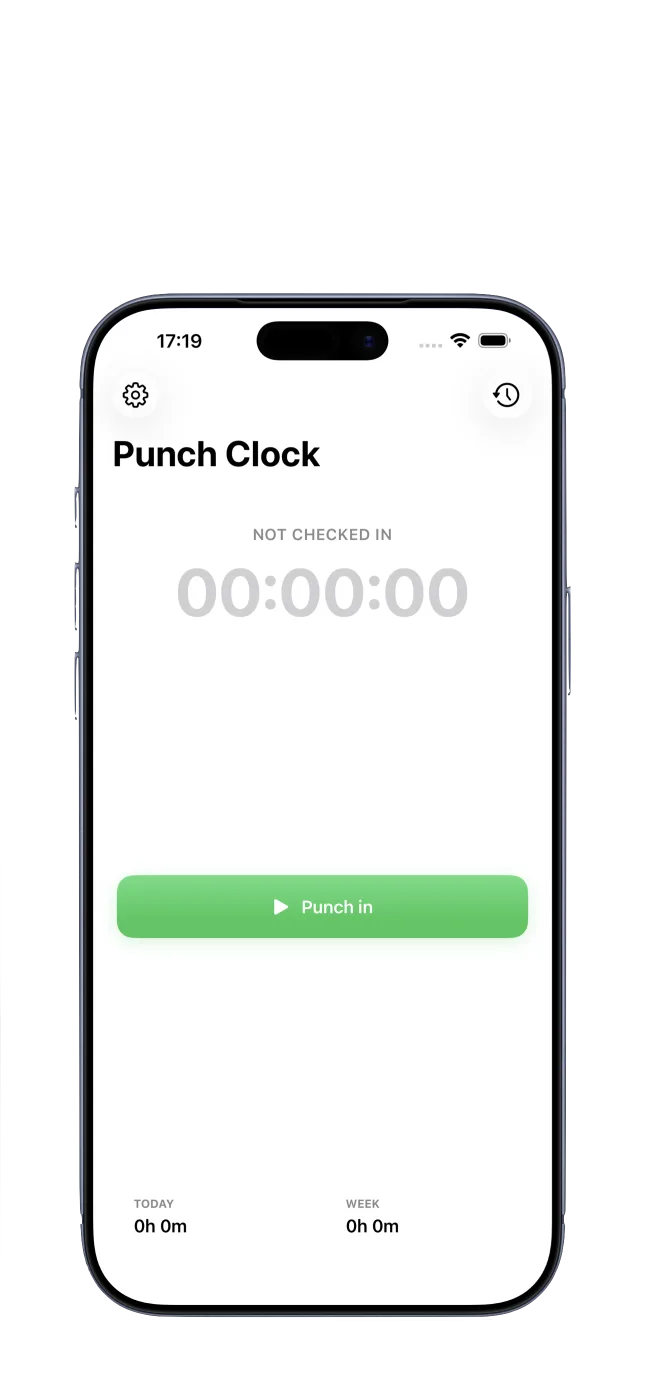
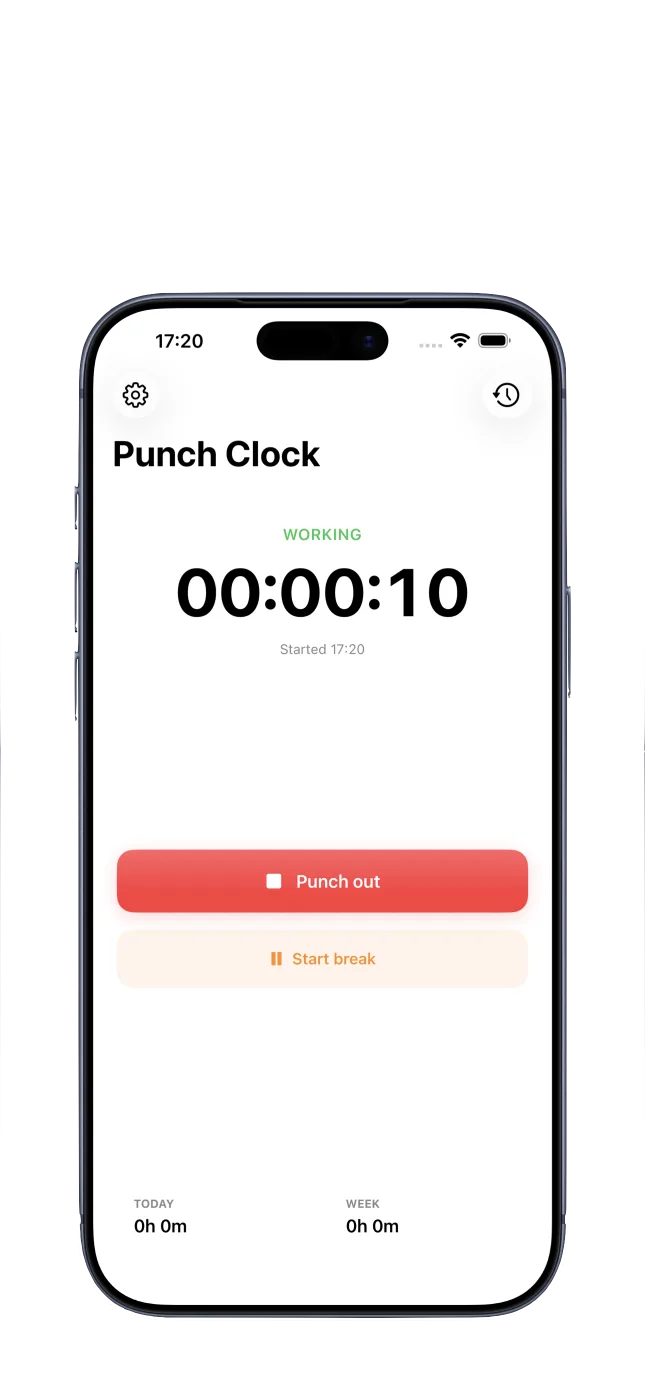
Clock in and out
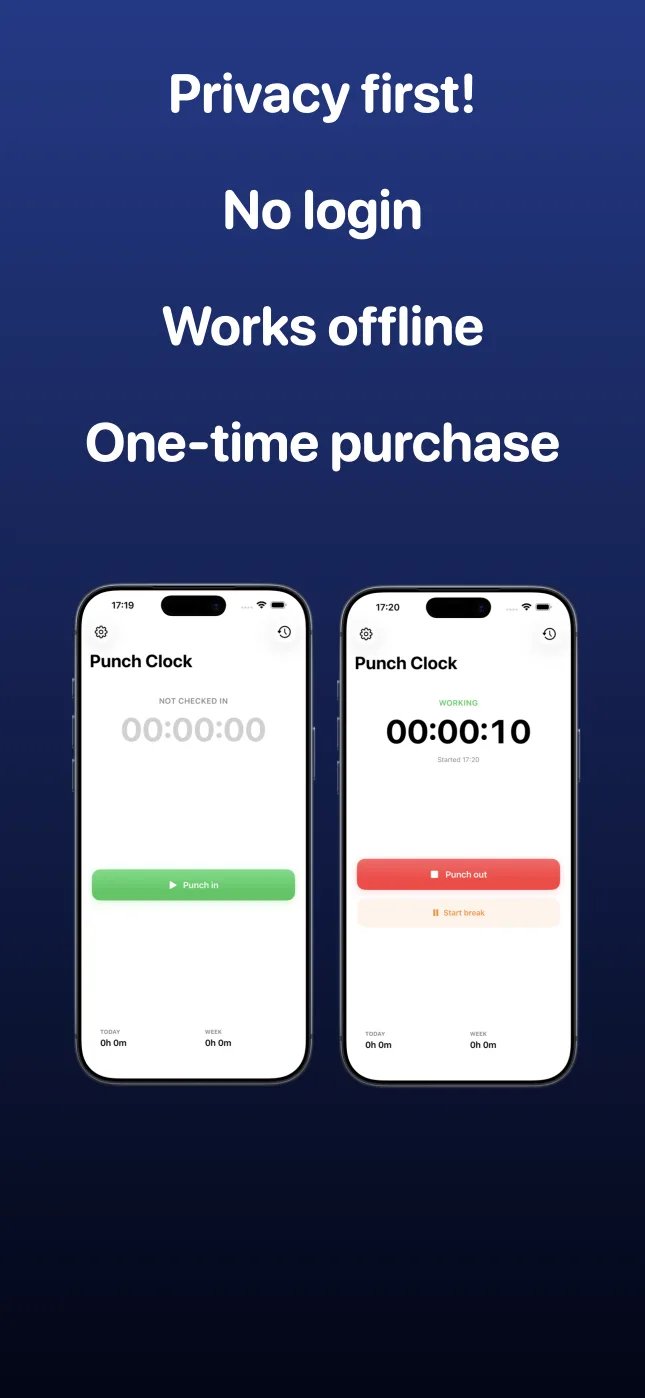
Start and end a work shift with one tap. A live timer keeps the active shift visible while you work.
 Punch Clock
App Store
Punch Clock
App Store
Private time clock for iPhone
Punch Clock helps you clock in, manage breaks, review your workday, and export PDF timesheets from your iPhone. No account required.
Punch Clock is a simple work hours tracker and punch clock app for iPhone. It helps you clock in and out, track breaks, keep a private work time log, and export PDF timesheets when you need a report.
When you only need to know how much you worked, you should not need a full HR platform. Punch Clock is built for hourly workers, consultants, freelancers, small business owners, flexible schedules, and anyone who wants a private record of their work time.
Features
Start and end a work shift with one tap. A live timer keeps the active shift visible while you work.
Start and stop breaks, adjust them later, or use automatic default break deduction for matching shifts.
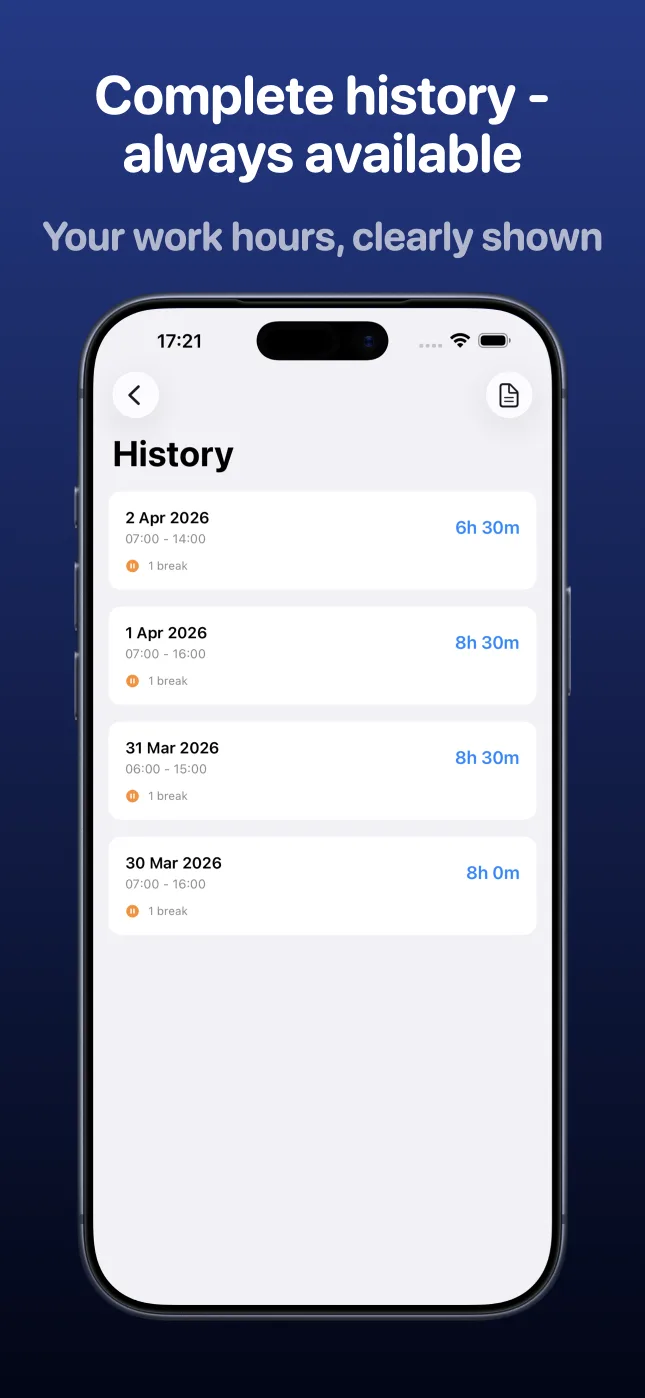
See worked time today, this week, and across your shift history when you need to double-check your hours.
Update start time, end time, breaks, and notes after a shift has been recorded.
Set reminders for active shifts that run longer than expected, such as 6, 8, 10, 12, 16, or 24 hours.
Use light, dark, or system appearance. The app supports English, Swedish, and German.
Built for real workdays
Punch Clock keeps routine actions simple while still letting you correct mistakes, add notes, and prepare a useful PDF when it is time to share or archive your hours.
PDF reports
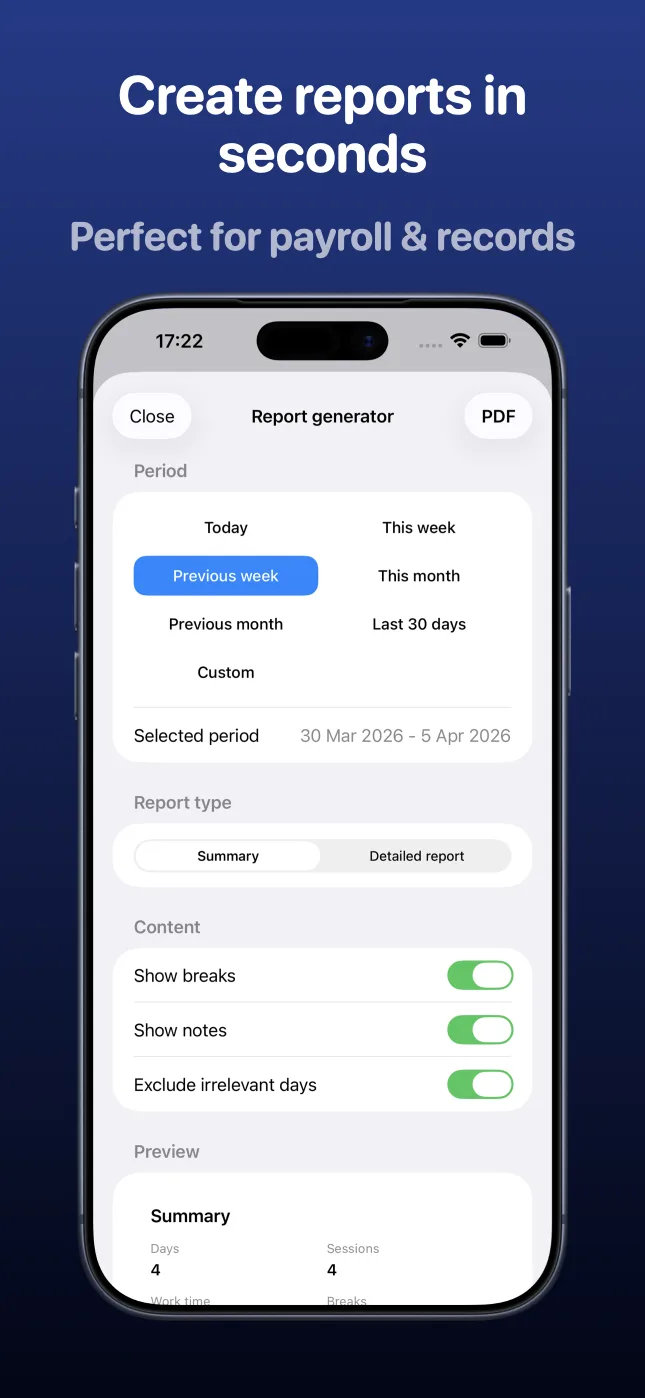
Create PDF reports for today, this week, previous week, this month, previous month, the last 30 days, or a custom date range.
Privacy
Punch Clock has no account system. Your shifts, breaks, notes, and edits are stored locally on your device.
Pricing
Punch Clock includes a 7-day free trial. Continued use is unlocked with Punch Clock PRO for US$4.99 as a one-time purchase. No subscription.
Continue clocking in and out, managing breaks, and exporting PDF reports without a watermark after the trial.

FAQ
Open Punch Clock and clock in when you start working. Clock out when the shift ends. The app tracks the active shift and summarizes your work time.
Yes. Punch Clock is a punch time clock app for iPhone that helps you clock in, clock out, track breaks, review shift history, and export PDF timesheet reports.
Yes. Punch Clock works as a punch clock hours tracker for iPhone, with daily and weekly work hour summaries, editable shifts, break tracking, and local storage.
Yes. You can edit start time, end time, breaks, and notes after a shift has been recorded.
Yes. You can export PDF reports using preset periods or a custom date range, with summary and detailed report options.
No. Punch Clock stores your work shifts, breaks, notes, and edits locally on your device. Data leaves the device only when you export a report or send feedback.
No. Punch Clock helps you document work time, but it is not legal advice, a payroll service, or a guarantee of compliance. You or your employer are responsible for checking applicable rules.
Clock in, manage breaks, review your time, and export PDF timesheets with a private punch clock app.